Laravel Jetstream comes with a default profile management. What if you want to add a field there? Let me show you, in this quick tutorial.
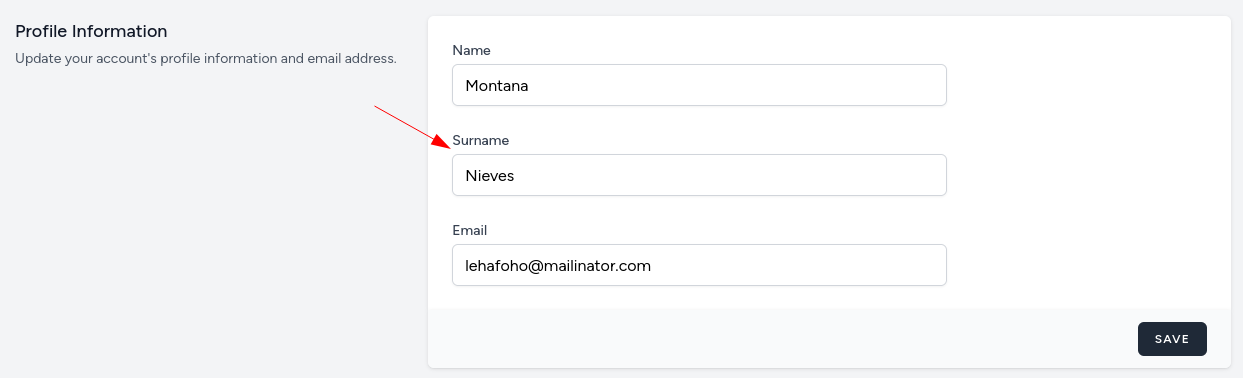
We'll add a new field called Surname to users' profile information. First, we need to add migration to add that field into the users table.
php artisan make:migration "add surname to users table"database/migrations/xxxx_add_surname_to_users_table.php
return new class extends Migration{ public function up(): void { Schema::table('users', function (Blueprint $table) { $table->string('surname')->nullable()->after('name'); }); }};Next, we need to add the field itself. This needs to be done in resources/views/profile/update-profile-information.blade.php and we'll add a field just under the name.
resources/views/profile/update-profile-information.blade.php:
// ...<!-- Name --><div class="col-span-6 sm:col-span-4"> <x-label for="name" value="{{ __('Name') }}" /> <x-input id="name" type="text" class="mt-1 block w-full" wire:model.defer="state.name" autocomplete="name" /> <x-input-error for="name" class="mt-2" /></div> <!--<div class="col-span-6 sm:col-span-4"> <x-label for="surname" value="{{ __('Surname') }}" /> <x-input id="surname" type="text" class="mt-1 block w-full" wire:model.defer="state.surname" autocomplete="surname" /> <x-input-error for="surname" class="mt-2" /></div> // ...Now you have a new field on the profile page.
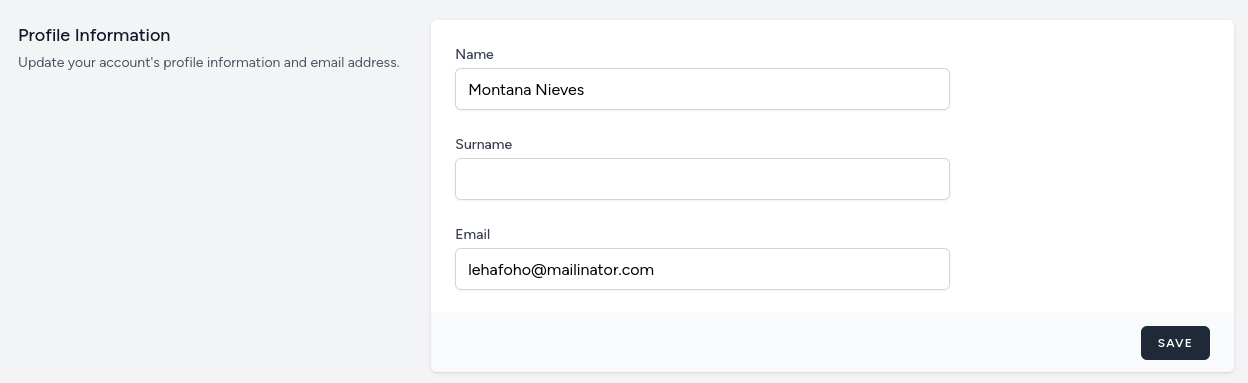
All that's left is to save the value into the DB.
We just need to add this field to the Fortify-powered Action file.
app/Actions/Fortify/UpdateUserProfileInformation.php:
class UpdateUserProfileInformation implements UpdatesUserProfileInformation{ public function update(User $user, array $input): void { Validator::make($input, [ 'name' => ['required', 'string', 'max:255'], 'surname' => ['nullable', 'string', 'min:3', 'max:255'], 'email' => ['required', 'email', 'max:255', Rule::unique('users')->ignore($user->id)], 'photo' => ['nullable', 'mimes:jpg,jpeg,png', 'max:1024'], ])->validateWithBag('updateProfileInformation'); if (isset($input['photo'])) { $user->updateProfilePhoto($input['photo']); } if ($input['email'] !== $user->email && $user instanceof MustVerifyEmail) { $this->updateVerifiedUser($user, $input); } else { $user->forceFill([ 'name' => $input['name'], 'surname' => $input['surname'], 'email' => $input['email'], ])->save(); } } protected function updateVerifiedUser(User $user, array $input): void { $user->forceFill([ 'name' => $input['name'], 'surname' => $input['surname'], 'email' => $input['email'], 'email_verified_at' => null, ])->save(); $user->sendEmailVerificationNotification(); }}And that's it! That is how easy it is to add a new field to the Jetstream profile form.
-front_grid.jpg)
-front_grid.jpg)
-front_grid.jpg)
Stars have aligned - just something I was looking for and this is great. Do we always change UpdateUserProfileInformation.php or there is another way to extend it so it's less problematic in case of updates?
I don't see this way as problematic, to be honest.
Very helpful as usual thanks!
One (side) note: After adding a couple of fields to both the registration and update forms, I noticed that the Jetstream test "user accounts can be deleted" in
DeleteAccountTest.phpfails because the test user created has NULL$user->tokens. (The test passes out of the box). If you change the line in the DeleteUser action to$user->tokens?->each->delete();it will pass.I tried to work out why but no luck. Why would the user have no tokens just after this? Have you experienced that?